PRINTING AND PRECISION
From file to stencil, with attention to detail.
The Proton Stencil Ink range is developed to take a digital design onto transfer paper. Choosing a compatible printer, ink and paper helps establish a consistent printing workflow in the studio.
Works with the whole EcoTank range. We have tested the ink on all Epson EcoTank printers, both mono and colour models. The Epson ET-M1120 is Proton’s reference model for development.
On colour EcoTank printers, all tanks (black and colour) must be filled with Proton Stencil Ink Tank for the printer to work correctly.
Complete the system with Proton Stencil Ink Paper and follow the setup instructions before filling the printer.
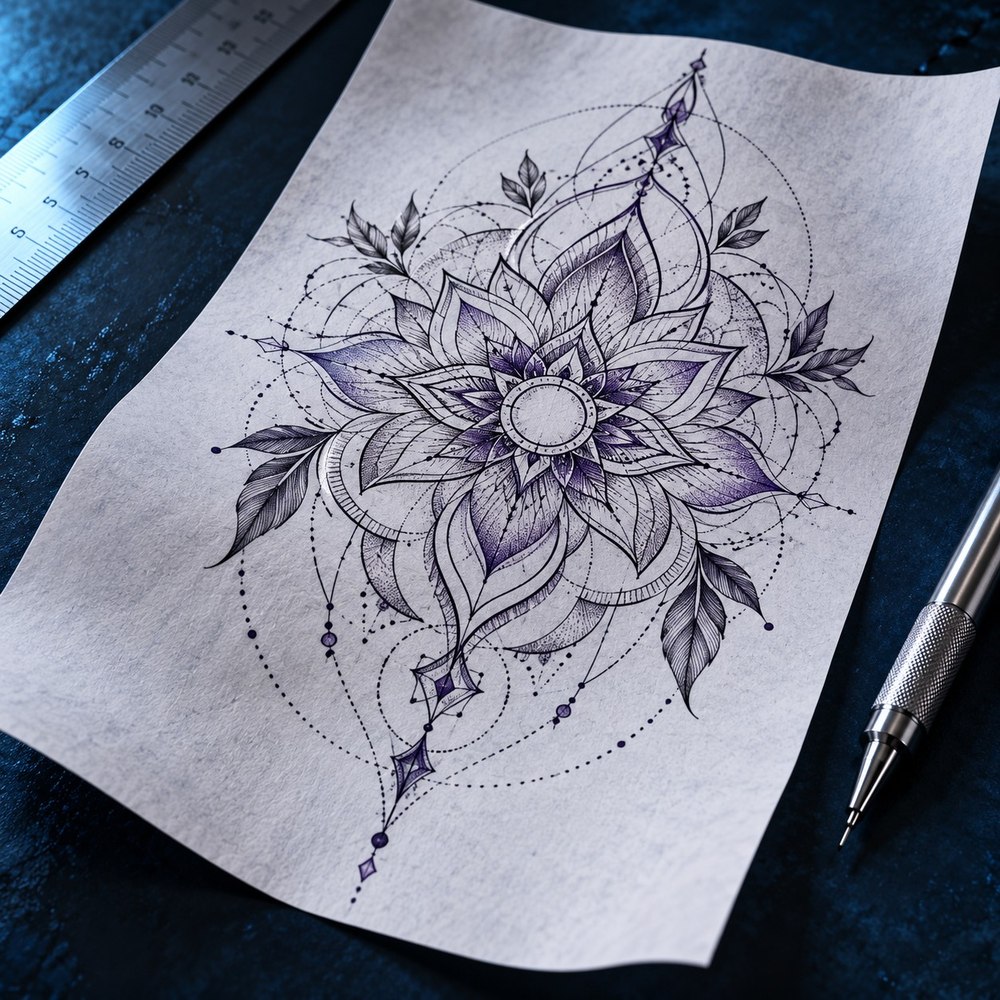 PRINTER · INK · PAPER
Benefits

Purpose-designed materials
Designed for professional tattoo stencil printing.

A coordinated system
Combine compatible ink, paper, and printer and follow the installation instructions.

Works with the whole EcoTank range
Tested on all Epson EcoTank printers. On colour models, fill every tank with Proton Stencil Ink Tank.

Test before transferring
Check the scale, orientation and clarity of the printed design.
How to use
01
Prepare the system
Fill the printer with Proton Stencil Ink Tank (on colour EcoTank models, every tank) and follow the printer’s setup instructions.
02
Load the paper
Print on the smoother side of Stencil Ink Paper and select the correct paper size.
03
Print a test
Check scale, orientation and sharpness before preparing the final design.
04
Transfer
Follow the stencil and transfer product instructions to apply the design to the skin.
Stencil Ink Tank ink is intended for stencil printing. Follow the compatibility and installation instructions.




Write your review